Choose a style
Pick a theme that already matches your celebration. Open the live preview first so you know the feeling.
Browse themes →Choose a theme, tap what you want to change, preview exactly what guests will see, then publish and share when you are ready.
Tap the invitation to continue
You do not need to know websites, coding or professional design. The builder guides you one choice at a time.
Pick a theme that already matches your celebration. Open the live preview first so you know the feeling.
Browse themes →Tap the name, photo or section. Change the text, picture, color, size, position and animation without touching code.
Open the full guest experience before paying. Test the opening scene, music, countdown, gallery and RSVP flow.
Choose a package and pay securely. Your design stays private while you use the included photo tool and do one final Guest View—then tap Publish and share.
See the full flow: choose a theme, edit on your phone, preview as a guest, publish and share.
The image gives you the style. Live Preview shows you the experience. Then customize it into your own invitation.
 ▶ Live Preview
Kids instantly recognize and love Lightning McQueen, Mater, and the Radiator Springs crew
A playful toy-room adventure with sky, clouds, stars, bold toy colors and cowboy/space-inspired energy — designed without branded characters or logos.
 ▶ Live Preview
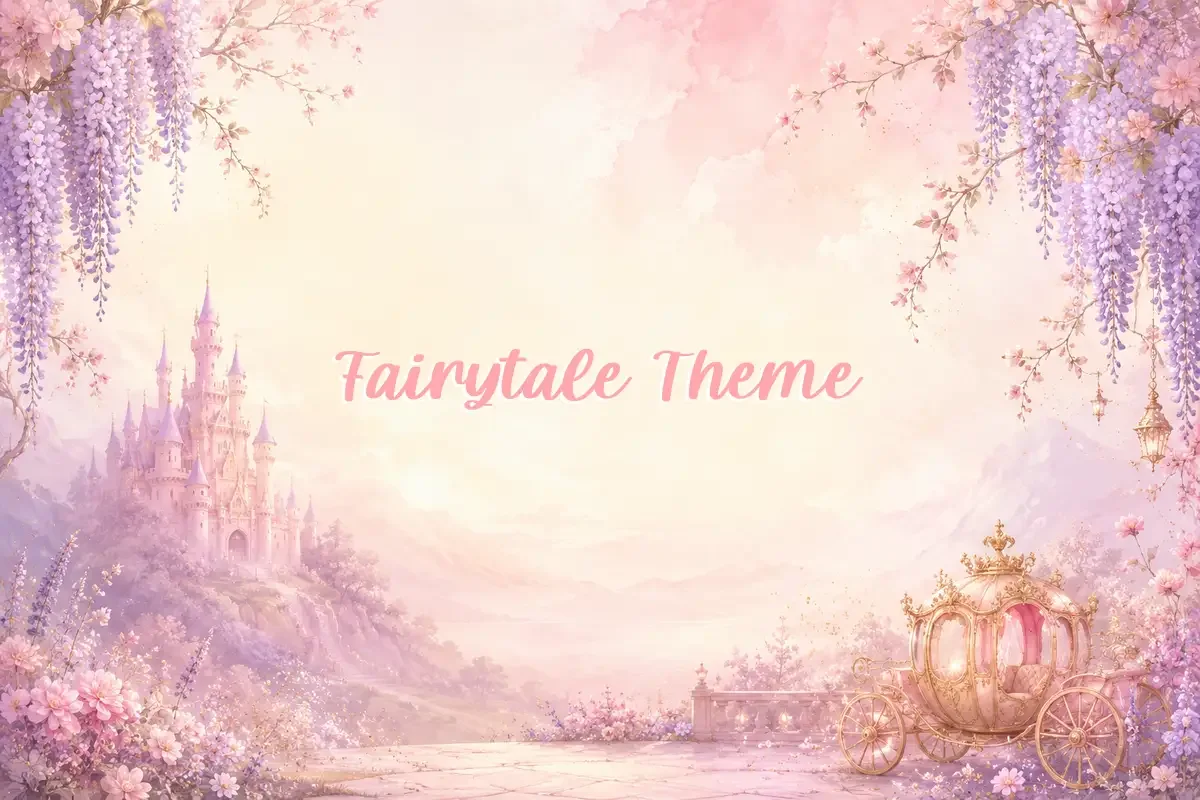 ▶ Live Preview
Soft magical pastel invitation for birthdays and fairytale events.
 ▶ Live Preview
Every part is designed to make the invitation feel personal while staying easy for you to edit.
Guests first tap your invitation card before entering the full event website.
Add background music and let guests turn it on or off from a floating button.
Add memories and keep photos moving with gentle looping animation.
Count down to the exact event date and time in the editor, preview and public page.
Guests can confirm attendance and names. Responses go to your invitation dashboard.
Change fonts, colors, text outline, shadows, backgrounds, animation and positions by tapping.
KZ Invitation Studio is designed so parents, grandparents, first-time users and busy event organizers can edit without learning a complicated design program.
Create and preview your invitation first. Choose a package only when you are happy with what your guests will see.
20 days live
Need it longer? Extend for ₱50.00 / +3 days.
30 days live
Need it longer? Extend for ₱100.00 / +10 days.
30 days live
Need it longer? Extend for ₱150.00 / +20 days.
No. Start a draft, customize it and open Guest View first. After payment, your invitation stays private for final editing and becomes public only when you tap Publish.
When included in your package, one successful removal unlocks after the first payment. It works on your uploaded photo, keeps the original version, and a failed request does not use the allowance.
Yes. The mobile builder uses large controls, tap-to-edit, direct photo/text movement and a simplified Guest View.
Yes. When RSVP is included in the selected publishing option, guests can send attendance, guest count, attendee names and an optional message into your dashboard.
Yes. You can replace photos, upload transparent PNGs, use Google Fonts, add text outlines/shadows, change colors and apply animation.
After payment and publishing, your dashboard gives you a public invitation link with Copy Link and Share controls.
Start with a theme and turn it into something your guests will remember.